Smartphone battery saving tips 2026: maximize your life

Advertisements
Smartphone battery saving tips 2026 focus on screen settings, app management, charging habits, and built-in technologies that help reduce unnecessary energy consumption.
Understanding how battery performance is affected by temperature, usage patterns, background activity, and charging cycles can help users make better everyday choices.
Small adjustments to device settings and routines can contribute to longer usage between charges and more consistent smartphone performance.
Advertisements
Understanding smartphone battery performance
Understanding how a smartphone battery functions helps users identify habits that may affect performance and longevity.
The source explains that most smartphones rely on lithium-ion batteries, which store and release energy through chemical processes.
Knowing how these batteries respond to charging, temperature, and regular use provides useful context for applying smartphone battery saving tips 2026.
How Does a Lithium-Ion Battery Work?
Lithium-ion batteries store energy through chemical reactions that occur while the device is being charged.

When the smartphone is in use, stored energy is released to power the display, processor, wireless connections, apps, and other components.
This repeated process of charging and discharging creates battery cycles that gradually influence long-term battery capacity.
Factors Affecting Battery Life
Temperature, screen brightness, and app usage are among the main factors identified in the source as influencing battery performance.
- Keep your phone in a moderate temperature environment.
- Adjust screen brightness to avoid draining the battery quickly.
- Limit background app activity to conserve power.
Full charging cycles also contribute to gradual battery wear, making charging behavior another consideration for long-term performance.
The source recommends avoiding frequent drops to 0% and charging the device when necessary instead of repeatedly fully draining it.
Signs of a Failing Battery
Rapid battery drain, unexpected shutdowns, and overheating can indicate that a battery is no longer performing normally.
Recognizing these symptoms early can help users determine whether settings are responsible or whether the battery itself may require replacement.
Monitoring smartphone battery performance therefore helps users distinguish normal power consumption from more serious battery problems.
Essential tips for extending battery life
Several everyday settings can influence how quickly a smartphone consumes its available battery charge.
Reducing unnecessary background activity, adjusting the display, and disabling unused connections are among the practices highlighted in the source.
These simple adjustments form an important part of practical smartphone battery saving tips 2026.
Optimize Your Settings
Lowering screen brightness can reduce energy use because the display is one of the components that regularly consumes battery power.
- Turn off location services when not in use.
- Limit background app refresh to save resources.
- Enable battery saver mode during critical times.
Dark mode may also help conserve energy on compatible devices, while battery-saver features can reduce unnecessary activity when charge levels are low.
Turning off Bluetooth and Wi-Fi when they are not needed can further limit power consumption from wireless connectivity.
Manage Your Apps
Some apps consume more power than others because they depend on graphics, video, location services, or continuous background activity.
Reviewing battery usage information makes it easier to identify applications that account for a large portion of daily energy consumption.
Deleting unused apps, keeping necessary apps updated, and moderating gaming or video usage can help improve overall battery efficiency.
Apps that drain your battery: how to manage them
Applications can significantly influence smartphone battery life even when users are not actively interacting with them.
Social media, gaming, navigation, and other resource-intensive apps may continue using data, location services, or processing power in the background.
Identifying and controlling this activity is an important strategy for extending smartphone battery life.
Identifying Battery-Draining Apps
Most smartphones include battery usage information that shows which applications consume the greatest amount of power.
- Social media apps update constantly in the background.
- Games often use high graphics settings which deplete battery faster.
- Navigation apps rely on GPS, using significant energy during operation.
Reviewing this information can help users identify which apps deserve closer attention or stricter background restrictions.
Once identified, reducing their background activity can improve battery performance without requiring users to remove every power-intensive application.
Managing App Settings
Individual app settings can often be adjusted to reduce notifications, location access, and unnecessary background processes.
Apps that do not need constant location tracking can have that permission reduced or disabled to limit energy consumption.
Uninstalling rarely used applications and enabling built-in battery optimization features can provide additional control over power usage.
The impact of screen brightness and settings
Display settings can have a noticeable impact on how quickly a smartphone uses its available battery charge.
Higher screen brightness generally requires more power, particularly when the display remains active for extended periods.
Managing brightness and screen timeout settings is therefore one of the most direct smartphone battery saving tips 2026.
Understanding Brightness Levels
Automatic brightness can adjust the display according to surrounding light, although the source notes that it may sometimes remain brighter than necessary.
- Reduce brightness in dim environments to save battery.
- Manually set brightness when automatic mode is not effective.
- Use the night mode feature to cut down on blue light glare.
Manually reducing brightness in darker environments can help prevent unnecessary energy use throughout the day.
Even a moderate adjustment may reduce how frequently the smartphone needs to be recharged.
Screen Timeout Settings
Screen timeout determines how long the display remains active after the user stops interacting with the device.
A shorter timeout allows the screen to switch off sooner, reducing the amount of energy consumed while the smartphone is idle.
The source suggests settings such as 30 seconds or one minute as practical options for balancing accessibility and power conservation.
Best charging practices for longevity
Charging habits can influence battery temperature, battery cycles, and long-term performance.
The source recommends paying attention to charging duration, charger quality, and the battery percentage range used during normal operation.
These habits complement other smartphone battery saving tips 2026 by focusing on battery care rather than daily power consumption alone.
Avoid Overnight Charging
The source advises against routinely leaving a smartphone connected to the charger throughout the entire night.
- Charge your phone during the day when you can keep an eye on it.
- Use a timer or smart plug to limit charging time.
- Remove your phone from the charger once it’s fully charged.
Monitoring the device while it charges can help users avoid excessive heat and unnecessary time connected to external power.
Being more deliberate about charging routines is presented as one way to support longer-term battery health.
Use Quality Chargers
Using the charger supplied with the device or another certified charger can help ensure appropriate charging performance.
The source also recommends limiting heavy smartphone use while charging because additional activity can contribute to heat generation.
Keeping battery levels roughly between 20% and 80% whenever practical is presented as another strategy for reducing battery stress.
Innovative technologies for battery saving
Modern smartphones increasingly use software and display technologies designed to reduce unnecessary energy consumption.
Adaptive power management can respond to individual usage patterns, while newer screens can adjust their behavior according to displayed content.
These technologies add automated efficiency to the manual practices described throughout the smartphone battery saving tips 2026.
Adaptive Battery Management
Adaptive battery management learns how the user interacts with apps and prioritizes available power accordingly.
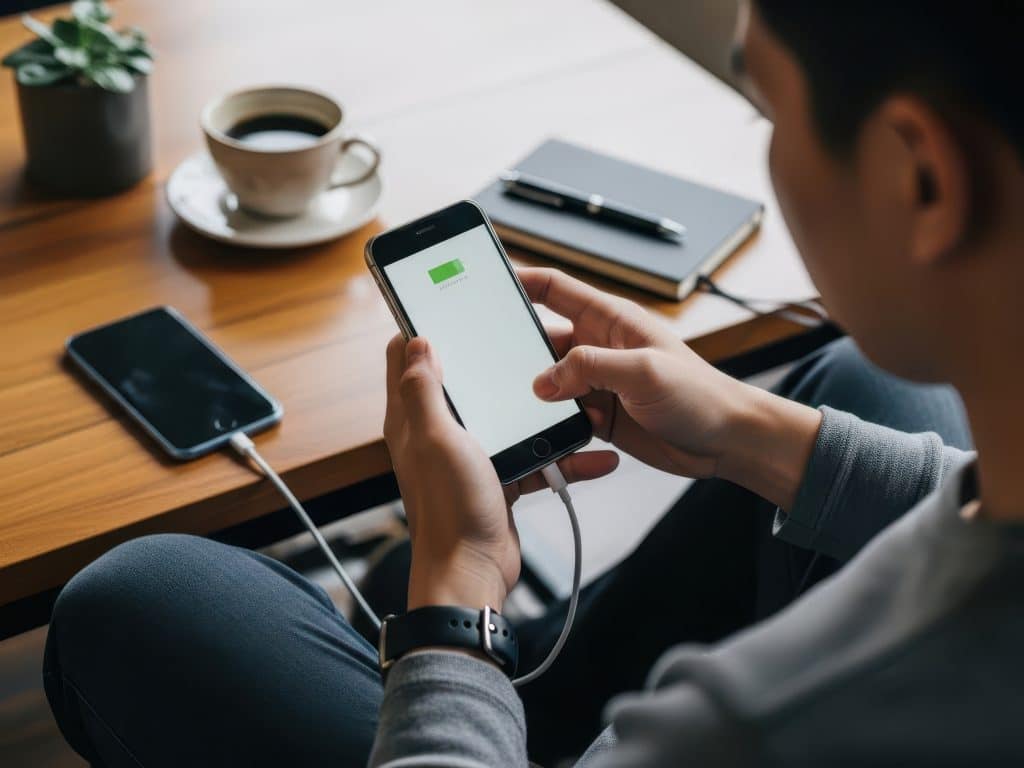
- Reduces background activity of low-priority apps.
- Extends battery life based on individual usage.
- Adjusts settings dynamically for optimal performance.
Applications that are rarely used may receive fewer background resources while frequently accessed apps remain more readily available.
This automated approach can improve efficiency without requiring users to manually manage every app throughout the day.
Screen Technology Improvements
OLED and AMOLED displays can consume less energy when showing darker content because of how individual pixels are illuminated.
Adaptive refresh rates provide another efficiency feature by adjusting how frequently the screen refreshes according to the content being displayed.
Using these technologies alongside appropriate display settings can help balance smooth visual performance with reduced power consumption.
FAQ – Frequently Asked Questions about Smartphone Battery Saving Tips
What are some quick tips to extend my smartphone battery life?
Reduce screen brightness, limit background app activity, disable unused connections, and enable battery saver mode when necessary.
Is overnight charging bad for my smartphone battery?
The source recommends avoiding routine overnight charging and instead monitoring the device while it charges to limit excessive heat and unnecessary charging time.
How can I identify which apps drain my battery the most?
Check the battery usage section in your smartphone settings to see which applications account for the largest share of power consumption.
What impact does screen brightness have on battery performance?
Higher brightness requires more energy from the display, so reducing brightness can help the smartphone last longer between charges.
Author